By RankRider Solutions — Updated for 2026
Estimated Reading Time: 14–17 minutes
1. Introduction: Why On-Page SEO Still Matters in 2026
Most beginners believe SEO is complicated. They imagine it’s an advanced skill reserved only for SEO specialists who spend their days analysing Google algorithms and deciphering ranking signals.
But here’s the reality:
👉 On-page SEO is the most beginner-friendly, controllable part of SEO — and it delivers fast results.
And in 2026, this matters even more.
AI-generated content is everywhere. Google’s Helpful Content System is stricter. Users are impatient. And attention spans are short.
Despite all these changes, one thing hasn’t changed:
Google still rewards clarity, quality, and structure.
If your website:
- Helps people find answers quickly
- uses a clean structure
- has clear SEO signals
- delivers a good reading experience
- solves the user’s problem
You will rank higher, even if your site is new.
This guide is designed to make SEO simple, human, and practical for beginners. You’ll understand on-page SEO the way Google sees it — not with jargon, but with clear explanations and examples you can use immediately.
Let’s start building your SEO foundation.
2. What Is On-Page SEO? (Simple Explanation You’ll Remember)
On-page SEO includes everything you can control on the page itself to help Google understand your content.
Google doesn’t read content the way humans do.
It scans, interprets, and analyses signals.
Think of on-page SEO as giving Google a map:
- Headings tell Google what each section is about
- Keywords tell Google which topics matter most.
- Meta tags tell Google how to display your page.
- Internal links help Google explore related pages.
- Alt text explains images that Google cannot “see”
- URL structure indicates how your content fits in the site
Without these signals, even excellent content gets overlooked.
On-Page SEO vs Off-Page SEO vs Technical SEO
To avoid confusion, here’s the simplest breakdown:
Type of SEO | Focus | Example Tasks |
| On-Page SEO | Content & Structure | Meta tags, headings, keywords |
| Technical SEO | Website performance | Speed, mobile, indexing |
| Off-Page SEO | External authority | Backlinks, mentions, PR, and Social signals |
For beginners, on-page SEO is the foundation because it requires no coding, no tools, and no backlink strategy. Everything is in your control.
3. The 7 Core Elements of On-Page SEO (Explained Simply & Clearly)
These seven elements determine whether Google trusts your page or ignores it. Mastering them puts you ahead of 80% of websites.
1. High-Quality Content (The Real Ranking Factor)
Search engines don’t just rank pages — they rank answers.
High-quality content in 2026 is:
✔ Clear
✔ Direct
✔ Helpful
✔ Human
✔ Well-structured
✔ Backed with real examples
Google rewards pages that genuinely help people.
Example:
A beginner searches: “How to do on-page SEO for my WordPress blog.”
Bad content:
- Repeats keywords
- Talks like a robot
- Overexplains simple concepts
- Has no structure
Good content:
- Explains the basics
- Uses step-by-step instructions
- Includes examples and checklists
- Helps the reader take action
If your content helps someone succeed faster, Google will notice.
2. Keyword Placement (Not Keyword Stuffing!)
Keyword stuffing is outdated and penalised.
Google now uses semantic search to understand context.
Place your primary keyword in:
✔ Title
✔ First 100 words
✔ One H2 heading
✔ Meta title
✔ Meta description
✔ URL
✔ Naturally throughout the content
Supporting keywords help Google understand the broader context.
Example:
Primary keyword: on-page SEO
Related terms: SEO checklist, SEO basics, meta tags, keyword placement
Google connects the dots automatically.
3. Meta Titles & Meta Descriptions (Your Google Identity Card)
When your page appears in search results, users see:
- Your meta title
- Your meta description
These are your first impressions.
Example (Good):
Meta Title: On-Page SEO Guide for Beginners in 2026
Meta Description: Learn how to optimise your content with this practical on-page SEO guide. Understand keywords, headings, and AI tools that help your website rank faster.
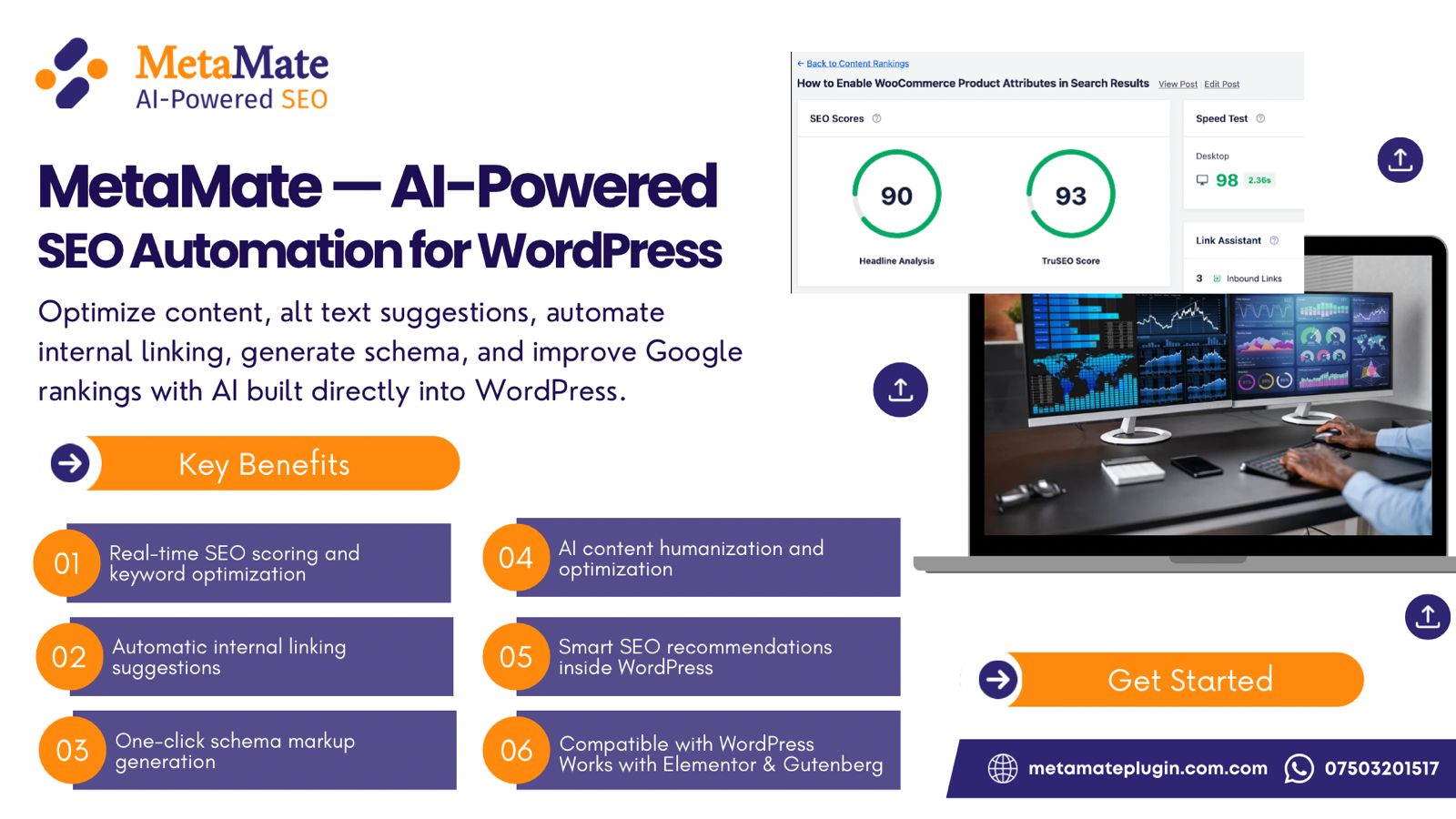
MetaMate generates these automatically and checks length, clarity, and relevance — saving beginners from guesswork.
4. URL Structure (Short, Clean & Logical)
Shorter URLs help both Google and users.
Bad:
/how-to-do-search-engine-optimisation-in-2026-for-beginners-guide-full-tutorial
Good:
/on-page-seo-guide-2026
A good URL:
✔ is under 60 characters
✔ contains the primary keyword
✔ avoids numbers and symbols
✔ uses hyphens (never underscores)
5. Headings (Your Content’s Skeleton)
Google relies on headings to understand your content structure.
A good heading structure:
- Makes the content skimmable
- Highlights important ideas
- Improves user experience
- Boosts SEO naturally
Example structure:
H1: On-Page SEO Guide for Beginners
H2: What Is On-Page SEO?
H2: The Seven Core Elements
H3: Keyword Placement
H3: Meta Tags
H3: Headings
When headings are organised, Google finds your content clearer and more trustworthy.
6. Internal Linking (The Most Underrated SEO Booster)
Internal links help Google and readers navigate your content.
If you mention:
“How search engines crawl pages,”
You should link to your previous blog:
How Search Engines Work — Crawling, Indexing, Ranking (Beginner-Friendly Story)
Internal links also:
- distribute authority
- Reduce bounce rate
- Improve discovery of older pages.
- Signal topic clusters
MetaMate can analyse your content and suggest relevant internal links automatically.
7. Image Optimisation (Alt Text, Compression, Relevance)
Google needs alt text to understand images.
Good alt text:
“Dashboard showing on-page SEO score and keyword suggestions”
Images should also be:
✔ compressed
✔ in WebP/AVIF format
✔ named descriptively
✔ relevant to the content
MetaMate identifies missing or weak alt text — a common beginner issue.
4. How AI Has Transformed On-Page SEO in 2026
AI has changed SEO in ways that matter to beginners.
1. Google Detects AI Patterns
Google doesn’t punish AI content — it punishes AI-patterned content:
❌ repetitive phrasing
❌ generic advice
❌ shallow explanations
❌ predictable structure
❌ unnatural tone
That’s why humanising AI writing is essential.
2. Semantic Search Is Now Standard
Google no longer requires exact keywords.
It understands relationships.
Example:
A blog about “SEO tools” can rank for:
- Best SEO plugins
- SEO software comparison
- How to optimise content with tools
This makes writing easier and more natural.
3. Helpful Content System Rewards Value Over Length
You don’t need 3,000 words to rank — you need clarity.
Google prioritises:
- Useful, actionable content
- engaging examples
- real insights
- clear structure
If your content genuinely helps someone, it performs better.
4. AI-Assisted Optimisation Is Becoming Normal
Beginners used to feel lost about:
- meta tags
- keyword placement
- alt text
- SERP previews
- internal linking
- readability
- clarity
AI tools like MetaMate turn this chaos into a simple workflow.
You write.
It optimises.
You publish with confidence.
5. Step-by-Step On-Page SEO Checklist for 2026 (Beginner Blueprint)
This is your practical SEO workflow. Follow it consistently.
Before You Write
- Choose ONE topic
- Identify user intent
- Research the top 3 ranking pages.
- Pick your primary keyword.
- Pick supporting keywords
- Decide the outcome you want the reader to achieve
While Writing
✔ Write naturally
✔ Use simple sentences
✔ Add real examples
✔ Break sections with headings
✔ Avoid walls of text
✔ Highlight key steps
✔ Add internal links as you go
A good rule:
If a 12-year-old can understand it, it’s clear enough for Google.
Before Publishing
✔ Add meta title
✔ Add meta description
✔ Fix your URL
✔ Add alt text
✔ Check readability
✔ Add at least 3 internal links
✔ Validate heading structure
✔ Add external credible sources
✔ Use MetaMate for final SEO scoring
This last step saves beginners from 90% of SEO mistakes.
6. Before vs After: Real On-Page SEO Example
Here’s a real transformation to show how simple changes create ranking power.
❌ Before (Beginner Website)
- Title: “Marketing Tips”
- URL: /tips-article
- No meta description
- Headings are missing or random
- Images missing alt text
- Paragraphs too long
- No internal links
No clear structure
This content is invisible — Google cannot interpret it.
✔ After (SEO-Ready Version)
- Title: “Simple Marketing Tips for Beginners in 2026”
- URL: /marketing-tips
- Meta description added
- Clear H2 + H3 sections
- Alt text for all images
- Scannable sections
- 3 internal links
- SERP preview checked
- SEO Score: 92% (MetaMate)
This content is now competitive, readable, and rank-worthy.
7. Common On-Page SEO Mistakes Beginners Make (And How to Fix Them)
From analysing 200+ beginner websites, these are the most damaging mistakes:
Mistake 1: Writing without a structure
Fix: Plan headings before writing.
Mistake 2: Weak introductions
Fix: Start by acknowledging the reader’s problem.
Mistake 3: Keyword stuffing
Fix: Use natural language.
Mistake 4: Missing meta descriptions
Fix: Use MetaMate to auto-generate.
Mistake 5: Publishing without alt text
Fix: Add descriptive alt text for every image.
Mistake 6: Not checking SERP preview
Fix: Use MetaMate’s preview tool.
Mistake 7: Walls of text
Fix: Keep paragraphs under 3 lines.
Mistake 8: No internal links
Fix: Link to your previous blogs.
Mistake 9: Outdated content
Fix: Update every 3–6 months.
Mistake 10: AI-sounding writing
Fix: Humanise, rewrite, simplify.
MetaMate automates and catches most of these errors, which is why it’s ideal for beginners.
8. How MetaMate Helps You Master On-Page SEO Automatically
If you’re new to SEO, MetaMate acts like your personal SEO assistant — inside WordPress.
What MetaMate Does for You
✔ Generates meta titles
✔ Generates meta descriptions
✔ Creates clean URL slugs
✔ Shows accurate SERP previews
✔ Scores your SEO in real-time
✔ Suggests keywords
✔ Highlights readability issues
✔ Detects missing alt text
✔ Rewrites unclear sentences
✔ Suggests internal links
✔ Provides clarity recommendations
✔ Checks image optimisation
Benefits for Beginners
- No need to understand SEO jargon
- No guesswork
- No missed optimisation steps
- No complex tools
- Publish with confidence
Benefits for Professionals
- Faster workflow
- Consistent SEO across content
- Better optimisation accuracy
Reduced editing time
MetaMate doesn’t replace your creativity — it enhances your clarity.
9. Final Thoughts: On-Page SEO Is a Skill You Build, Not a Mystery
On-page SEO is not a trick.
It’s not about hacking Google.
It’s about:
- Serving the reader
- giving a clear structure
- showing relevance
- removing confusion
- adding helpful signals
If you follow the guidelines in this guide, you will publish content that:
✔ ranks faster
✔ builds trust
✔ attracts consistent traffic
✔ helps your audience
✔ strengthens your brand
✔ works well with Google’s algorithm
Combine that with a beginner-friendly SEO tool like MetaMate, and you have everything you need to publish SEO-ready content, even if you’re just starting.
10. FAQ — On-Page SEO in 2026 (Beginner Edition)
1. What matters most in on-page SEO today?
Clear content, good structure, meta tags, and internal links.
2. Is on-page SEO enough to rank?
For low and medium competition keywords: yes.
3. How often should I update articles?
Every 3–6 months for freshness.
4. Does AI content hurt SEO?
Only if it sounds robotic or repetitive.
5. What tool should beginners use for on-page SEO?
MetaMate Plugin — because it automates core SEO tasks.